
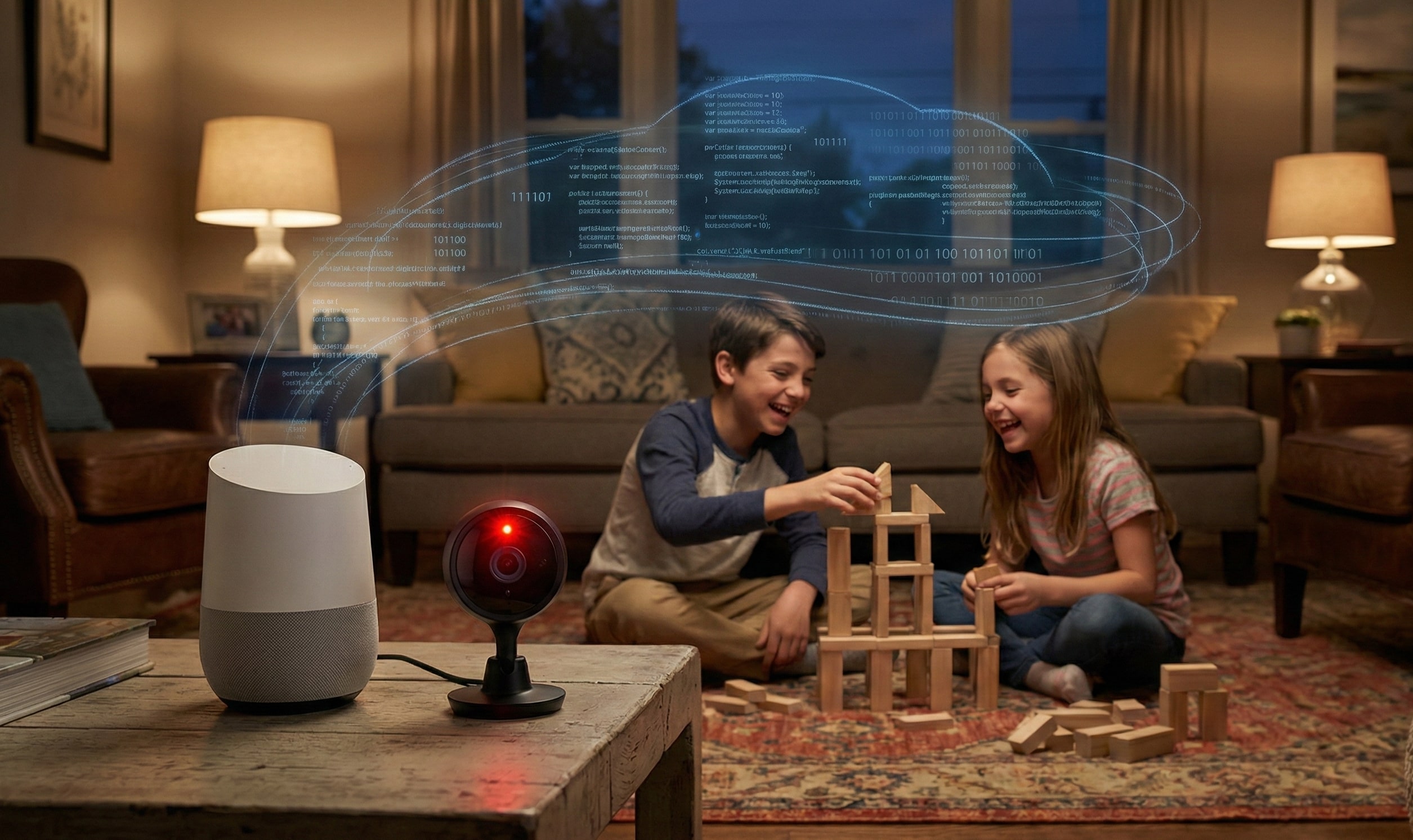
Have you ever felt a chill down your spine realizing that the security camera in your living room or the smart speaker in your kitchen might be “watching” and “listening” to your children’s most private moments? In the United States, where 4 out of 10 households now own smart home devices, the line between convenience and privacy invasion is becoming razor-thin. The real pain point isn’t just the fear of a hacker; it’s the quiet reality of your children’s images and voice data being harvested for advertising or stored on vulnerable servers without your knowledge.
At ReviewByBuyer, we evaluate gadgets beyond their features. As parents raising two children (ages 8 and 10), my wife and I have developed the “Anderson Privacy Protocol” to ensure our home remains a sanctuary, not a data-mining site.
1. Security Cameras: “The Guardian” or “The Voyeur”?
The biggest mistake parents make is plugging in a camera and leaving it on default settings.
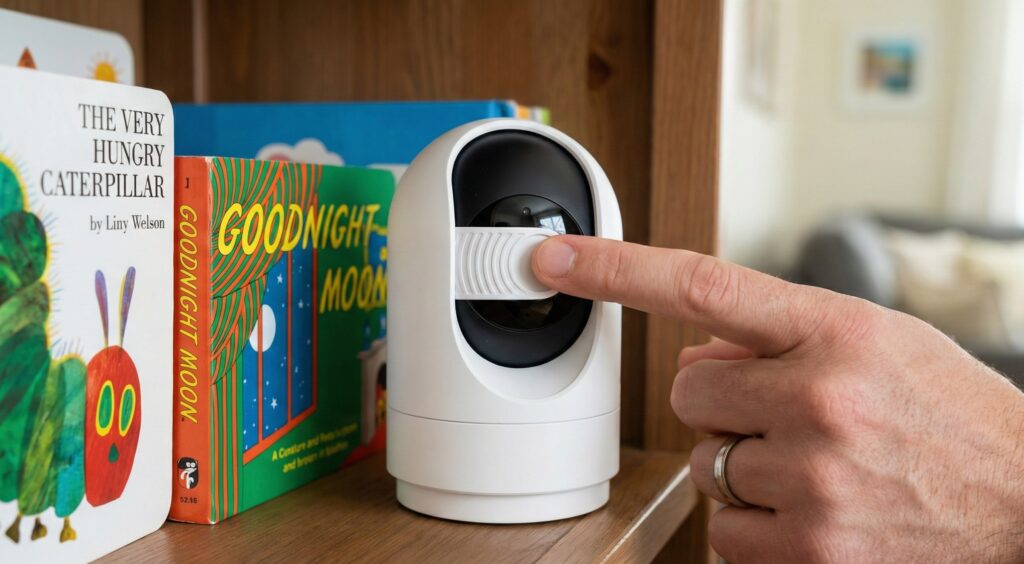
- The Anderson Rule: We only choose cameras with a Physical Privacy Shutter. When we are home, a physical sliding door covers the lens. No software patch is as secure as a piece of plastic blocking the glass.
- The Technical Filter: * Prioritize Local Storage: Whenever possible, store footage on a microSD card or a local NAS (Network Attached Storage) rather than the Cloud. This keeps your children’s footage off third-party servers.
- End-to-End Encryption (E2EE): If you must use the Cloud, look for brands that offer E2EE where only you hold the key. Not even the manufacturer should be able to view your video.
2. Smart Speakers: When Walls Have Ears
Virtual assistants are always in “standby” mode, waiting for a wake word. This means they are listening to more than you think.
- The Pain Point: Your child accidentally reveals their school name, address, or family secrets while playing near a smart speaker.
- The ReviewByBuyer Protocol:
- The Mute Button is Your Best Friend: We taught our kids to press the physical “Mic Mute” button when the speaker isn’t in use.
- Purge Voice History: Go into your app settings weekly and select “Automatically delete voice recordings.” Do not let your child’s voice profile live forever on a corporate server.
- Disable Voice Purchasing: Prevent “accidental” orders of a hundred toy sets by requiring a PIN or disabling voice-buy entirely.
3. The 3-Step Security Protocol (The Anderson Checklist)
To truly lock down your home, our expert team recommends these non-negotiable steps for every American household:
- Mandatory Two-Factor Authentication (2FA): Never rely on just a password. If someone steals your camera login, they still can’t enter without the code sent to your phone. This is the single most effective barrier against hackers.
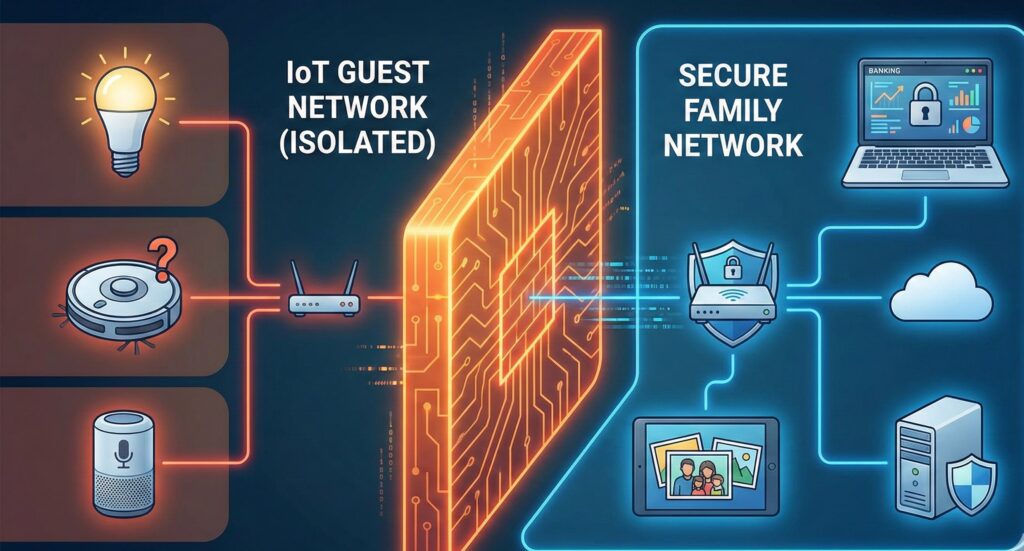
- The IoT Guest Network: We set up a dedicated Wi-Fi network exclusively for “smart” devices. If a cheap smart bulb gets hacked, the attacker is isolated and cannot reach the laptop containing your banking data or family photos.
- Auto-Firmware Updates: Security vulnerabilities are discovered daily. Running old firmware is like leaving your front door unlocked. Ensure every device is set to update automatically.
Final Thoughts from Nick Anderson
The convenience of a smart home is undeniable, but it is never worth the price of our children’s privacy. At ReviewByBuyer, we believe a “Smart Buyer” isn’t just someone who buys the best tech—it’s someone who knows how to stay in control of it.
Take five minutes tonight to check the camera in your child’s room. If you can’t find a mute button or a way to store data locally, it might be time for an upgrade that actually respects your family.