
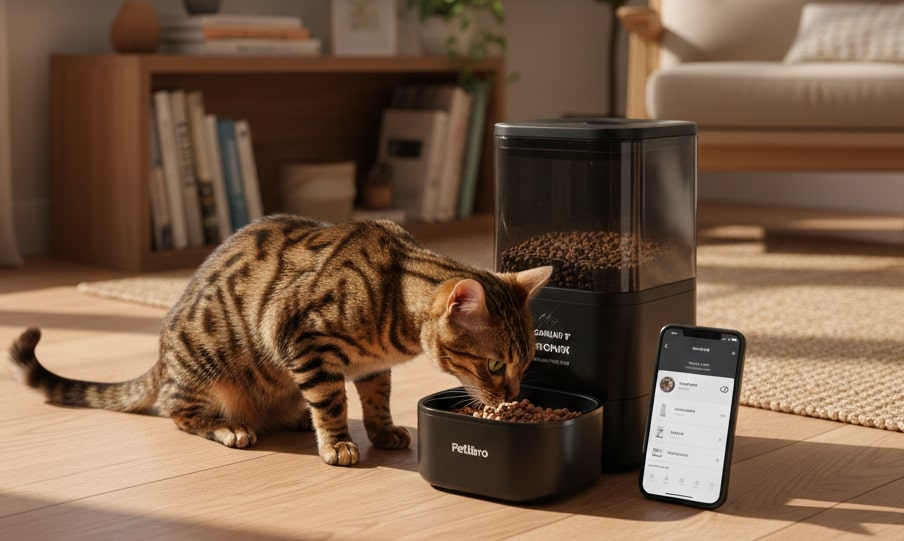
In the world of modern pet parenting, the keyword “Automatic Pet Feeder” represents more than just a gadget; it signifies a fundamental shift in how we manage our pets’ health. We are moving away from the convenience of “free-feeding”—where a bowl is always full—toward “precision nutrition.”
This guide is written from the perspective of a behavioral and nutritional expert to help you navigate this technology. We won’t just list features; we will solve specific pain points: stopping the 4 AM wake-up calls, managing feline obesity, and handling the technical headaches of smart devices.
The “Why”: Biology and Behavior
To use these tools effectively, we must understand the biological needs they fulfill.
1. Syncing with Nature
Biologically, cats are solitary hunters designed to eat 8 to 10 small meals a day. Traditional free-feeding disrupts this rhythm, leading to boredom and obesity because cats lose the ability to self-regulate caloric intake. Automatic feeders allow us to simulate this natural frequency by dispensing small portions every few hours, stabilizing blood sugar and reducing digestion issues like regurgitation.
2. Curing the “Dawn Chorus”
A major pain point for owners is being woken up at dawn. Cats are crepuscular (active at dawn and dusk). When they wake up hungry, they pester the source of food: you. By scheduling a small automated meal for 4:00 AM or 5:00 AM, you dissociate yourself from the food source. Your cat learns to wait for the machine rather than jumping on your head.
Product Breakdown: Pros, Cons, and Verdicts
We have analyzed the top contenders in the market. Here is a detailed breakdown to help you choose the right tool for your specific situation.
| Product Name | Best For | Key Feature | Price |
|---|---|---|---|
| Petlibro Granary WiFi | Overall Standard | Anti-Jam Double Rotor Design |
Check Price on Amazon |
| Petkit Fresh Element 3 | Freshness & Multi-Cat | Superior Sealing & Dual Hopper |
Check Price on Amazon |
| Petlibro Polar | Wet Food | Active Refrigeration Cooling Tech |
Check Price on Amazon |
| Cat Mate C500 | Budget & Reliability | Ice Pack Cooling System |
Check Price on Amazon |
| SureFeed Microchip | Special Diets | Selective Microchip Access |
Check Price on Amazon |
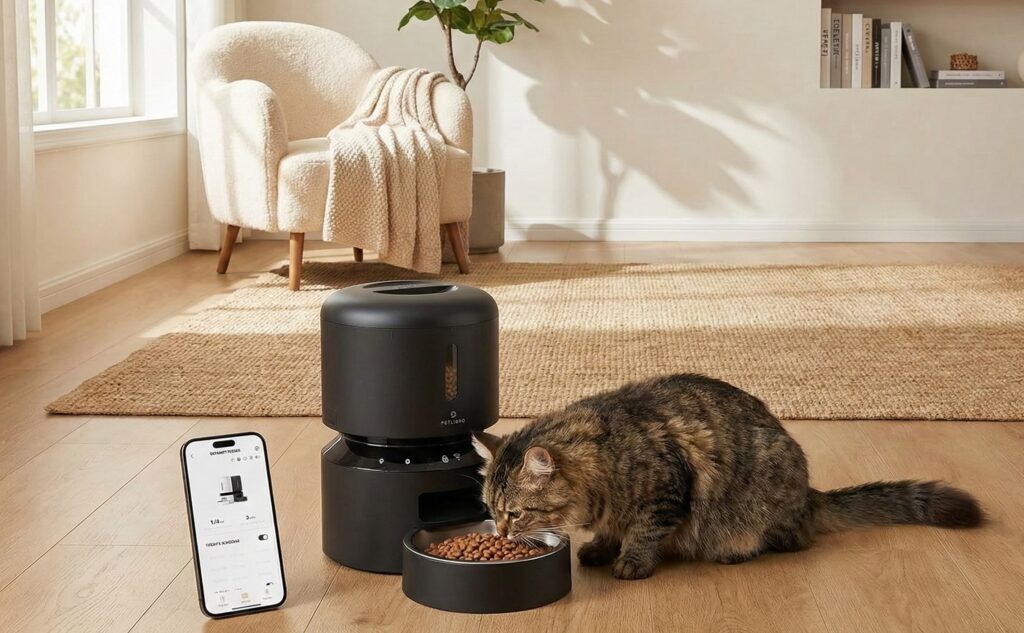
1. The Smart Standard: Petlibro Granary WiFi
The go-to choice for dry food automation.
Why We Picked It: It balances price, aesthetics, and functionality. The “granary” rotor design is highly effective at preventing kibble jams.
- Pros:
- Anti-Jam Design: Double rotor mechanism minimizes stuck food.
- Transparency: Easy to see food levels at a glance.
- App Features: Allows precise scheduling and feeding logs.
- Cons:
- Connectivity Headaches: Strictly requires 2.4GHz WiFi; connecting to modern mesh routers can be frustrating.
- App Fragmentation: Older units use “Petlibro Lite” while newer ones use the main “Petlibro” app, which is confusing if you own multiple devices.
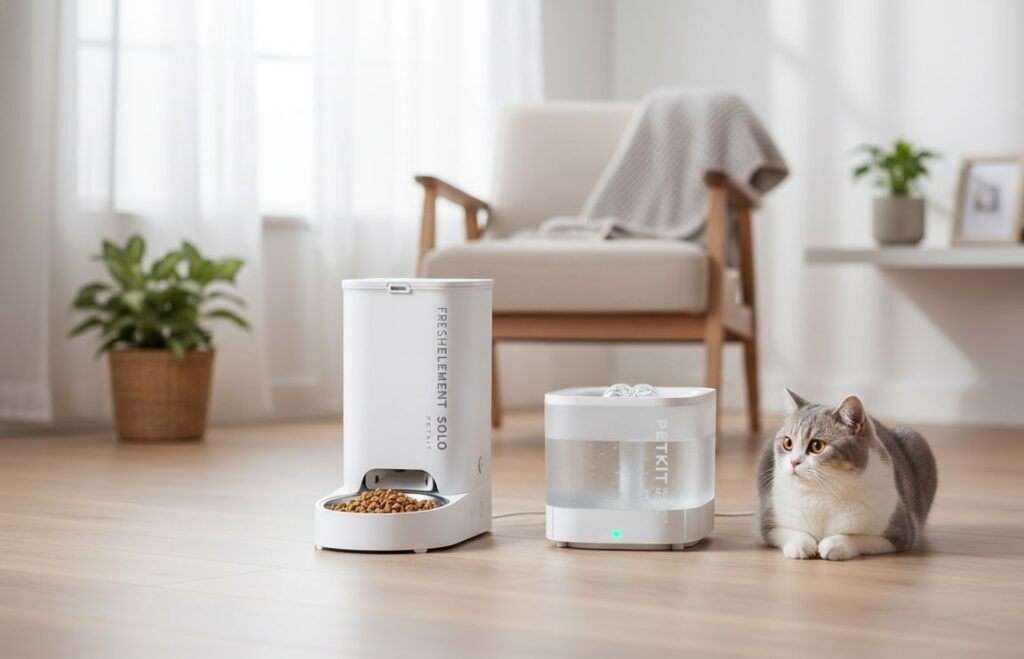
2. The Freshness King: Petkit Fresh Element 3 / Gemini
Best for picky eaters and multi-cat households.
Why We Picked It: The sealing technology is superior (silicone seals on the lid and dispense chute), keeping kibble crunchy for weeks. The “Gemini” model allows mixing two food types.
- Pros:
- Sealing: 304 stainless steel bowl and excellent gaskets prevent food from going stale.
- Dual Hopper (Gemini): Allows you to transition foods slowly or mix prescription diet with regular food.
- Smart Sensors: Alerts for low food and battery backup.
- Cons:
- Dispensing Errors: Some users report “rogue” dispensing where the machine dumps extra food if the sensor gets dirty.
- Connection Issues: Like Petlibro, it struggles with 5GHz WiFi networks.
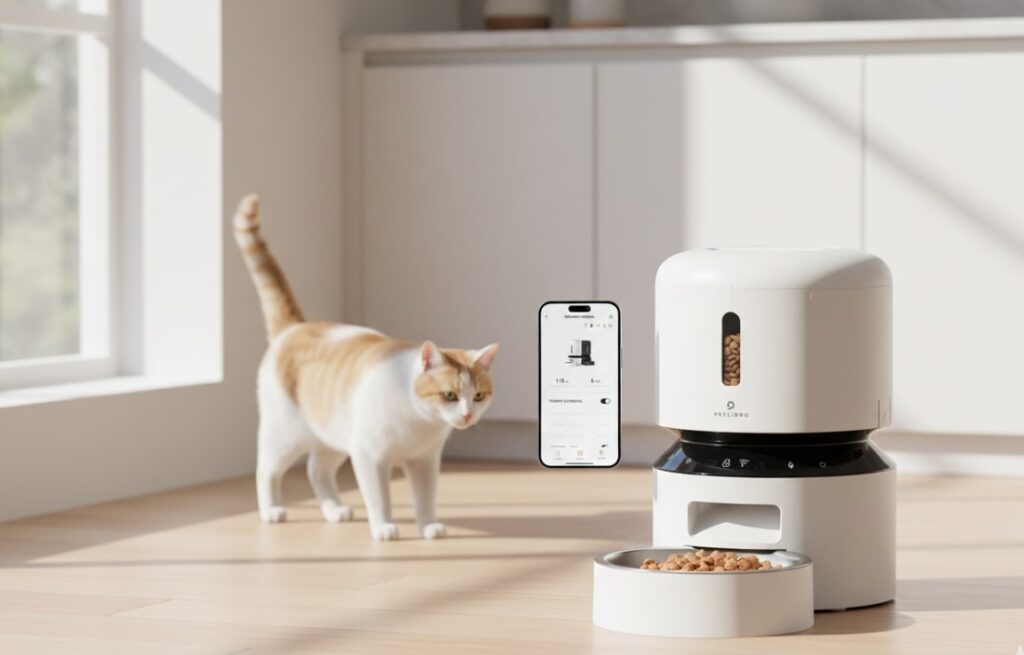
3. The Wet Food Innovator: Petlibro Polar
Best for attempting to automate canned food.
Why We Picked It: It is one of the few feeders that actively refrigerates wet food (using semiconductor tech) rather than relying on melting ice packs.
- Pros:
- Active Cooling: Keeps wet food chilled for up to 3 days without needing ice replacements.
- App Control: You can set feeding windows remotely.
- Cons:
- Tray Misalignment: Users frequently report the tray not rotating fully, causing the cat to miss a meal.
- Temperature Concerns: While it cools, some users worry it hovers right at the edge of the “danger zone” (above 40°F) in very hot rooms.
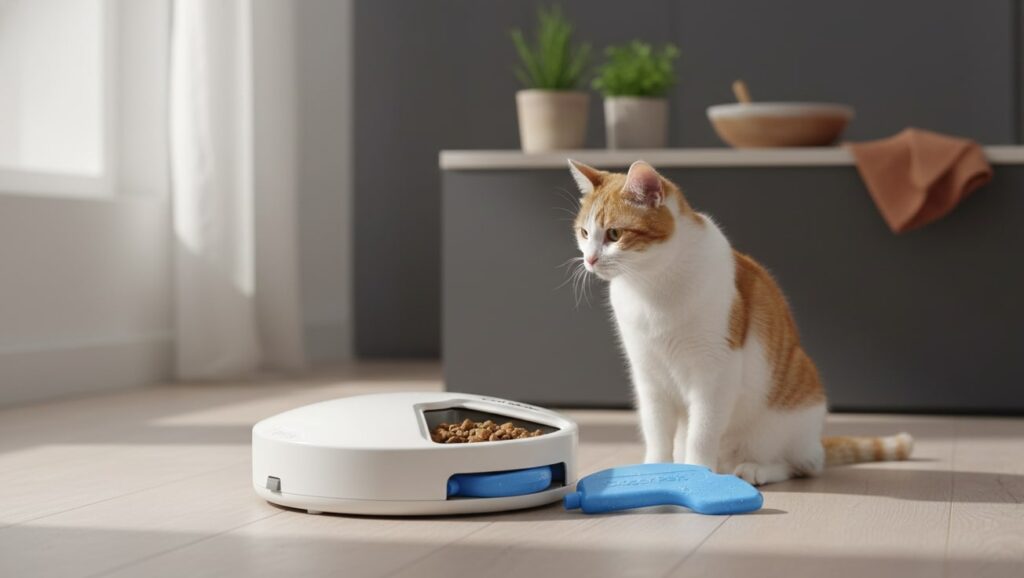
4. The Reliable Classic: Cat Mate C500
Best for budget and fail-safe operation.
Why We Picked It: It’s low-tech, meaning there is no software to crash and no WiFi to disconnect. It uses ice packs to keep wet food fresh.
- Pros:
- Reliability: Mechanical timer (or simple digital timer) rarely fails.
- Versatility: Handles wet food or medications easily.
- Price: Significantly cheaper than smart feeders.
- Cons:
- Short Duration: Ice packs only last 4-6 hours effectively. You must freeze food to extend this duration.
- No Remote Access: You cannot check if the cat ate while you are at work.
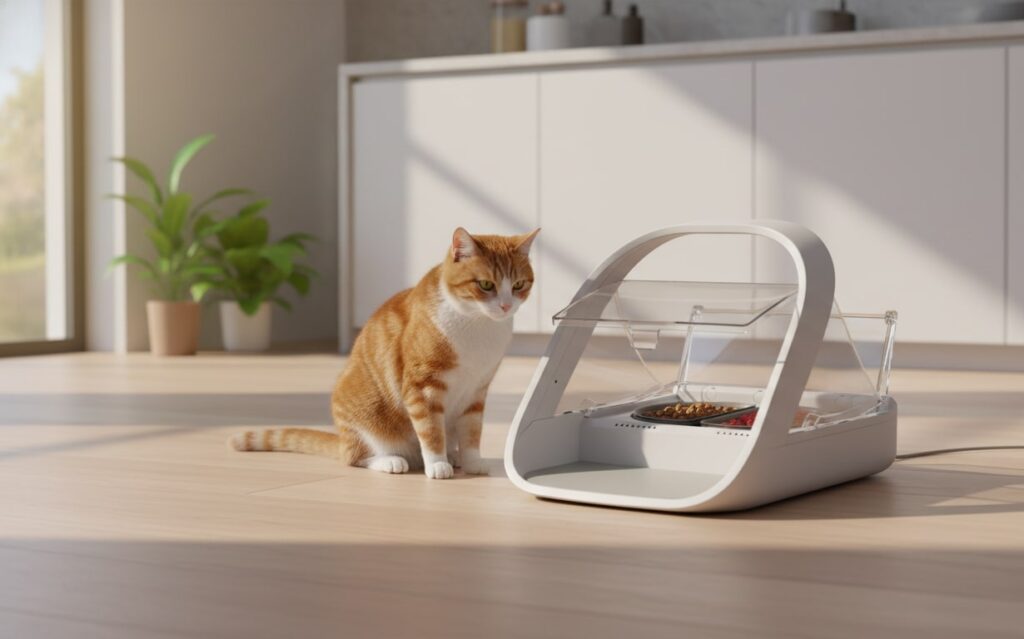
5. The Specialist: SureFeed Microchip Feeder
Best for prescription diets and food thieves.
Why We Picked It: It solves the specific problem of one cat stealing another cat’s food.
- Pros:
- Selective Access: Only opens for the authorized microchip/RFID tag.
- Wet Food Mode: The “seal” mode keeps wet food fresher than open bowls.
- Cons:
- Capacity: It holds very little food (single meal usually).
- Price: Very expensive for a unit that doesn’t hold a large supply.
How-To Implementation Strategy
1. Technical Setup: Conquering WiFi Issues
Most smart feeders (Petkit, Petlibro) only work on the 2.4GHz WiFi band. Modern routers often merge 2.4GHz and 5GHz into one name, causing connection failures.
The Fix: Go into your router settings and separate the bands (e.g., “HomeWiFi_2.4G” and “HomeWiFi_5G”). Connect your phone and the feeder to the 2.4G network during setup.
The Hotspot Hack: If you can’t access router settings, use a second phone to create a hotspot with the exact same name and password as your home WiFi. Connect the feeder to the hotspot, then turn the hotspot off. The feeder should jump to your home WiFi.
2. Nutritional Setup: The Math of Portion Control
Don’t guess. Calculate.
Calculate RER (Resting Energy Requirement):
Calculate RER (Resting Energy Requirement):
    RER = 70 × (weight_in_kg)
    0.75
Determine Daily Calories: For a neutered indoor cat, multiply RER by 1.2. For weight loss, multiply RER by 0.8.
Calibrate the Machine: “1 portion” on a machine is vague. Dispense 10 portions and weigh them on a kitchen scale to find the average weight per portion (usually ~10g-12g).
3. Sample Schedule (The “Hunter” Routine)
Dividing food into 5 meals helps prevent gorging:
- 05:00 AM: 1 Portion (The “Sleep Saver”).
- 09:00 AM: 1 Portion (Breakfast).
- 01:00 PM: 1 Portion (Lunch/Boredom breaker).
- 06:00 PM: 2 Portions (Dinner – main social meal).
- 11:00 PM: 1 Portion (Pre-bed snack to prevent bile vomiting).
Troubleshooting & Hacks
- The “Paw up the Chute”: If your cat reaches up the dispenser to steal food, build a “chute guard” using 3D printed parts or cardboard to block their paws.
- Ant Invasions: Place the feeder in a large baking tray filled with a small amount of water to create a moat. Ants cannot swim across to reach the food.
- Tip-Over Protection: Use heavy-duty Velcro or command strips to secure the feeder to the wall or floor so aggressive cats can’t knock it over.
Conclusion
An automatic feeder is not a replacement for your care; it is a tool for precision health management. By selecting the right unit (Petlibro for general use, SureFeed for special diets), calculating calories scientifically, and securing the device against “cat burglars,” you turn a simple gadget into a powerful health ally.
YOU MIGHT ALSO LIKE: The Best Cat Water Fountains